Server Administration
In your On-Premise or OEM DaDesktop cloud environment, you have the flexibility to both add and remove servers as needed.
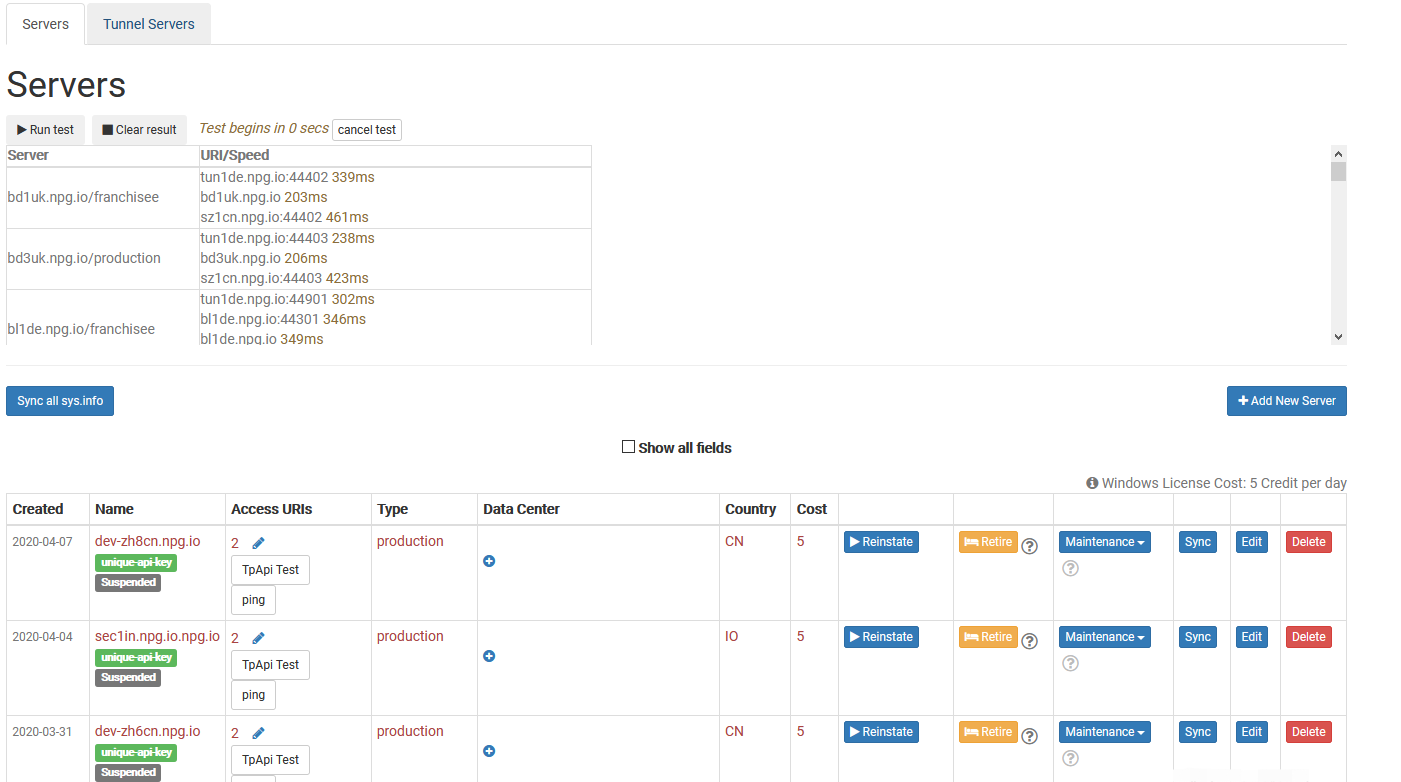
Synchronize System Information
This feature scans each server to capture details such as CPU, memory, and other hardware specifications, then updates the database accordingly. DaDesktop relies on this data to suggest the most suitable servers to users, prioritizing those with higher resource availability.
Should you upgrade any hardware, you can choose to synchronize data for all servers or limit the process to a single machine.
Please note that if your environment contains more than 1,000 servers, the synchronization process may take several minutes to complete.
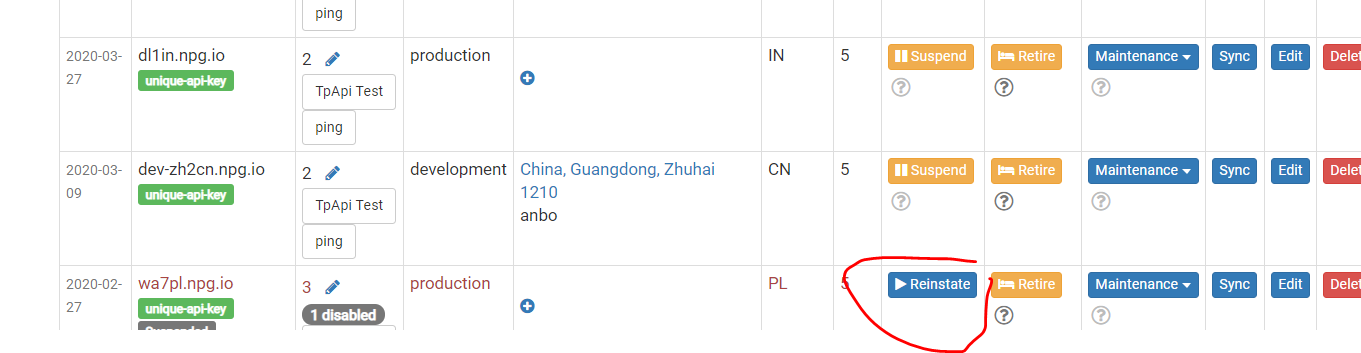
Modify Server State (Suspend or Reinstate)
When a server becomes inaccessible, you can suspend it. This action stops the DaDesktop GUI from attempting to check the status of the server and its associated desktops.
This is particularly useful when a server is offline due to a malfunction or other unavailability issues.
Retire a Server
If you intend to discontinue the use of a specific server, you can place it in retire mode. This prevents the creation of new desktops on that machine. However, existing desktops remain available for use or can be migrated to other servers.