Setting Up a New Course
-
Begin by selecting the blue Create new course button to initiate the setup process.
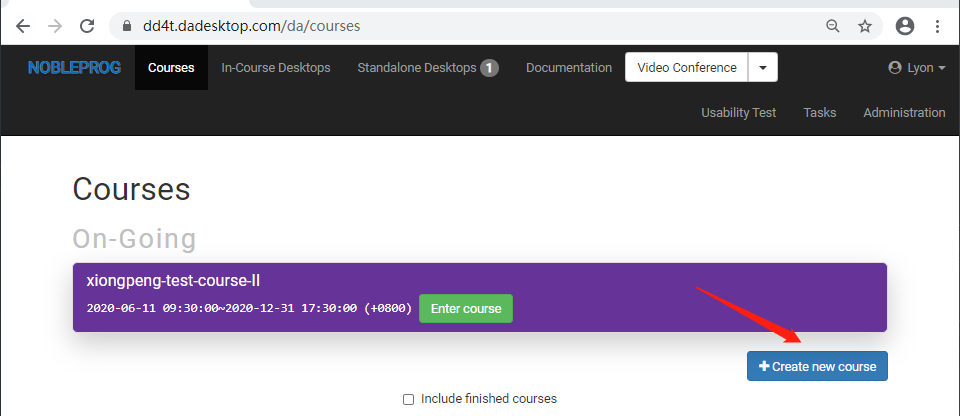
-
Define the key parameters for the session, including the schedule for DaDesktops usage, the number of delegates, and the nearest data center.
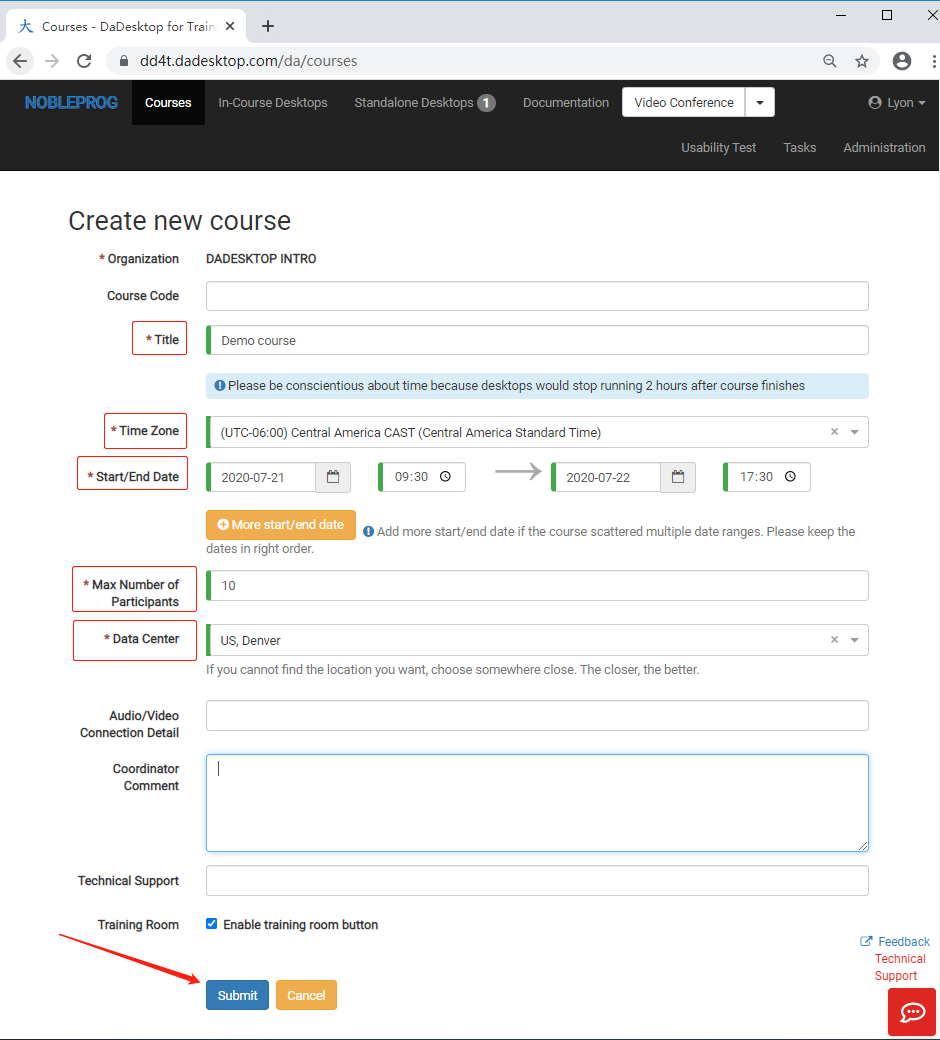
- Confirm and finalize by pressing submit. Should you need to adjust any specifics later, you can easily edit them directly within the course settings.