Standalone Preparation
-
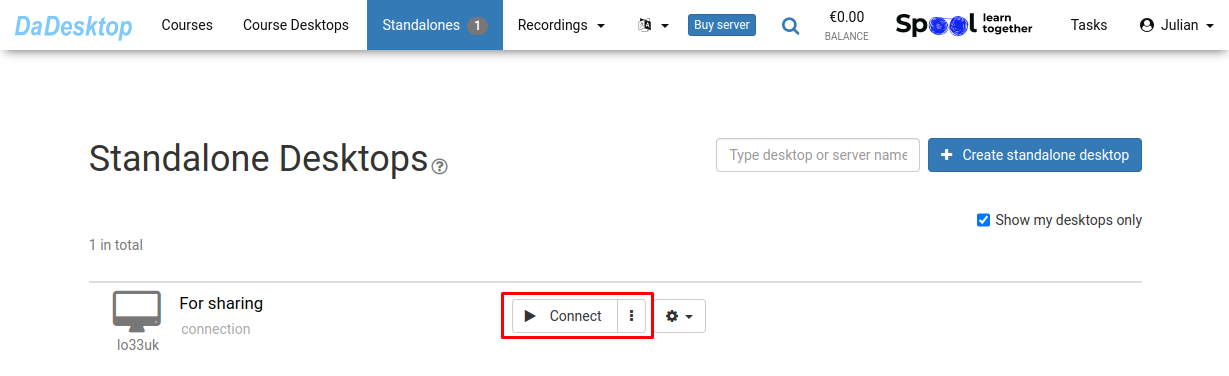
Select "Connect"
-
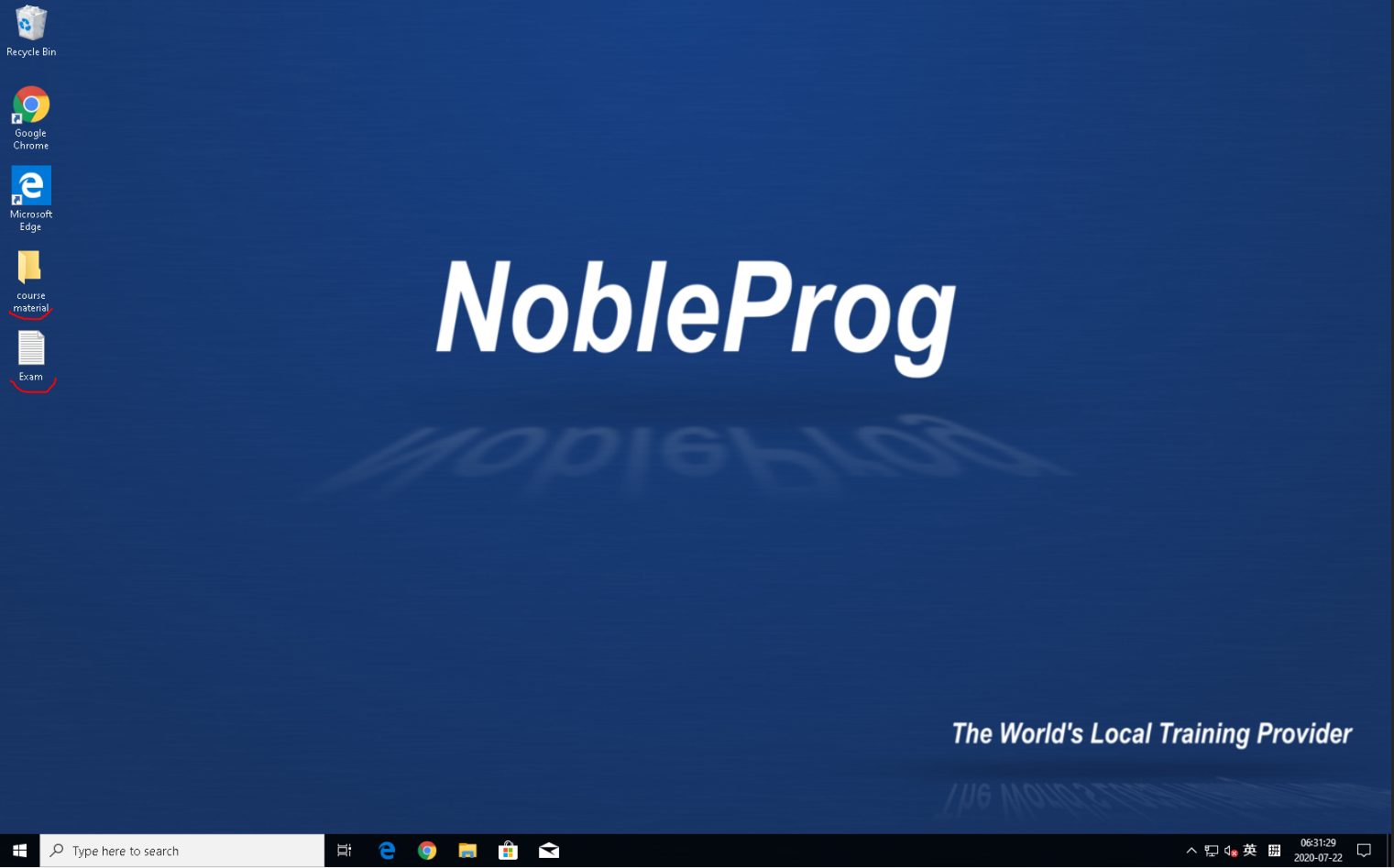
Configure your Standalone environment by installing the necessary software and adding course materials along with supporting tools
-
Utilize DaDesktop, our web-based virtual desktop solution, to perform course preparations seamlessly, similar to working on your personal laptop
-
After setting up the course desktop once, use the "Clone to participants" function to ensure all participants access the identical environment