Understanding Fresh-Start, Trainer, Participant, and Standalone Machines
DaDesktop is a sophisticated training platform designed to deliver accessible cloud-based desktops for educational courses. It includes administrative tools that simplify the management of these desktop environments for each specific course.
To achieve this functionality, DaDesktop utilizes distinct, yet related, types of Desktop machines to support various learning scenarios.
The following section outlines the different machine types available within the platform.
Fresh-Start Machine
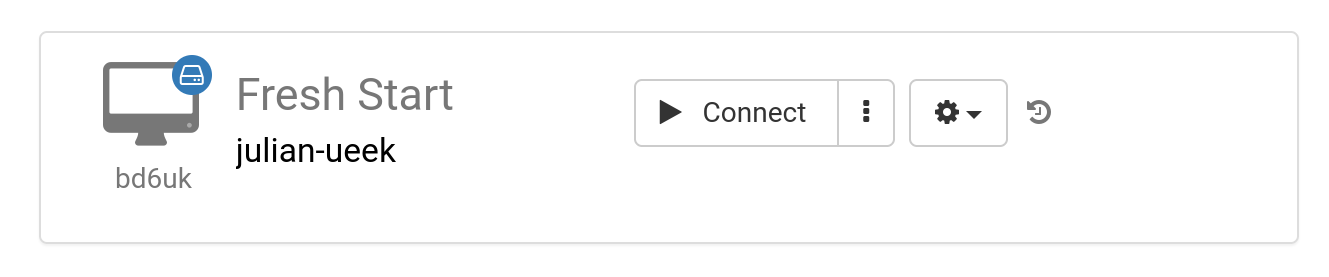
The 'Fresh-Start' machine serves as the foundational environment where the Trainer develops and creates course content. Once the material is finalized, this machine is cloned to all Participants' Desktops, providing a ready-to-use environment for their training. Think of the Fresh-Start as a 'Golden Image' that can be restored in the event of issues on either the Trainer's or a Participant's machine.
Trainer Machine
The 'Trainer' machine is the workspace used by the Trainer to present course materials to Participants during the session. Unlike the Fresh-Start, the state of this machine evolves as the Trainer installs, configures, and executes software applications or libraries relevant to the course topics.
If multiple Trainers are leading a course, there will be a corresponding number of Trainer machines.

Participant Machine
Each Participant utilizes their own 'Participant' machine during the course. This environment allows them to install software, configure settings, and complete exercises under the supervision of the Trainer.

Fresh-Start, Trainer, and Participant machines are typically automatically removed shortly after a course concludes. To address this, DaDesktop offers another type of machine not tied to a specific course session: the 'Standalone' machine, which can be retained for as long as needed.
Standalone Machine
A 'Standalone' machine exists independently of any active course. It can be used prior to or after a course, or utilized entirely on its own without any reference to a training session. This makes the Standalone machine highly flexible.

Common reasons for creating Standalone desktops include:
- Preparing reusable training course materials that can be deployed outside of a live session or preserved for future use.
- Requiring a flexible environment, potentially with a different Operating System (such as Linux or Windows), to safely test ideas and configurations.