Issues Typing Specific Characters Like Apostrophes and Quotation Marks on DaDesktop Machines
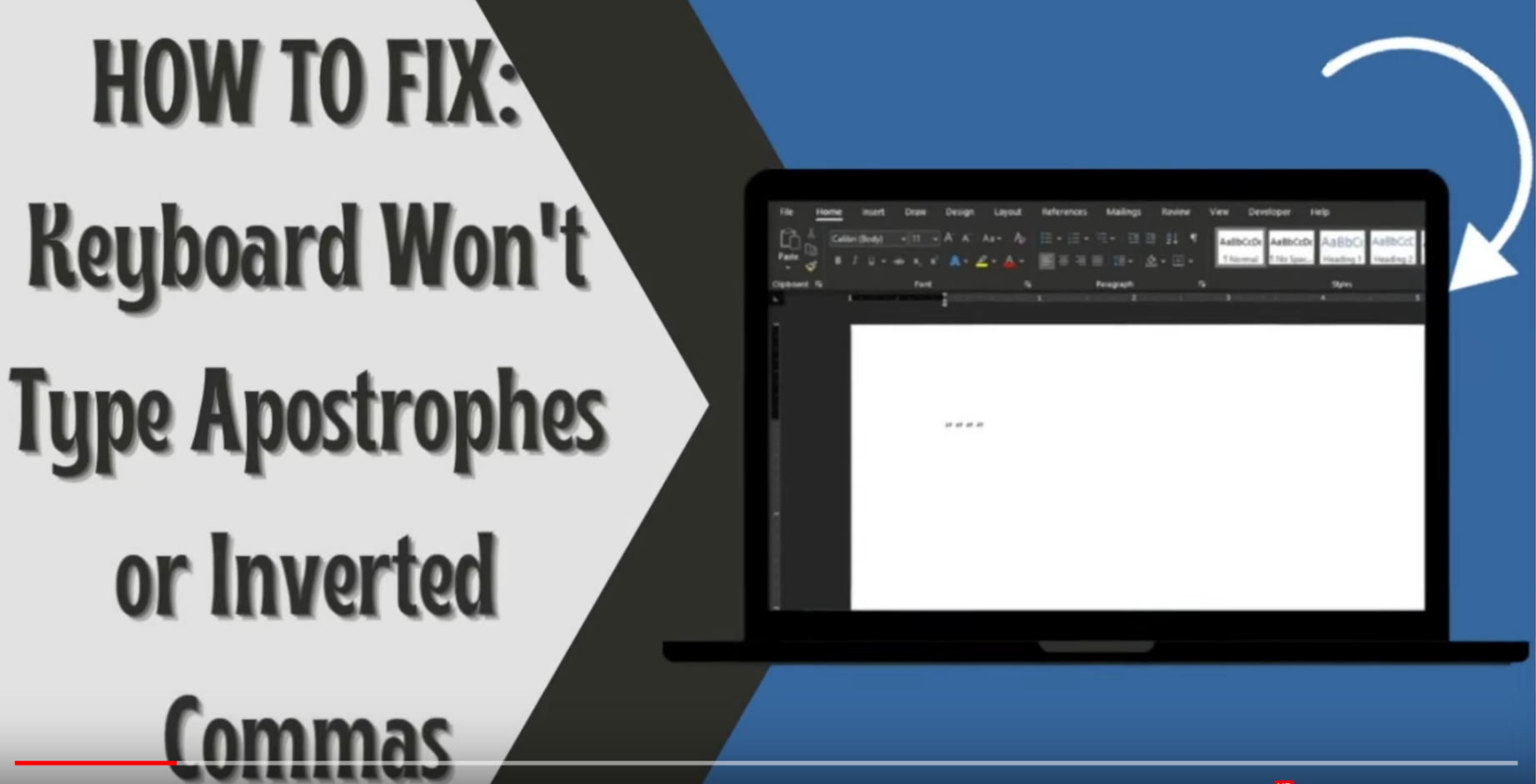
Although uncommon, typing issues with specific characters—such as apostrophes, quotation marks, and inverted commas—can occur on DaDesktop machines. This problem is typically influenced by the physical keyboard type, language layout, or internationalisation settings in use.
Important Note: This is a Windows-exclusive issue.
To resolve this, please follow the steps below:
- Open the Windows search bar and enter 'Settings'.
- Select 'Time & Language' from the menu.
- Choose the language menu item located on the left-hand side of the screen.
- Under 'Preferred Languages', select your preferred language and then click on 'Options'.
- Click 'Add a keyboard' and choose the appropriate layout for your keyboard, such as the US keyboard layout.
- Remove any outdated keyboard layouts by selecting them and clicking 'Remove'.
- Verify the fix by testing the input of single quotes (' ' '), quotation marks (' " '), and inverted quote marks (`).
For a visual demonstration of this solution, you can also refer to this video.