Removing Your Account
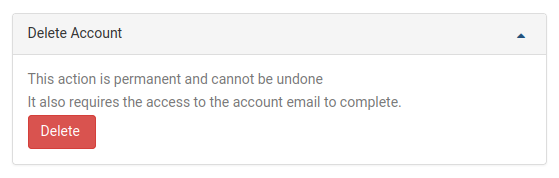
To remove your DaDesktop user profile, navigate to the My Account section. You will find the option to delete your account located at the bottom of the page. Select the Delete button to initiate this process.
Once you have selected the Delete button, you will be prompted to enter your DaDesktop account password to verify the request. The system will subsequently send a confirmation link to the email address associated with your account. To finalize the removal, open your inbox and follow the provided link.