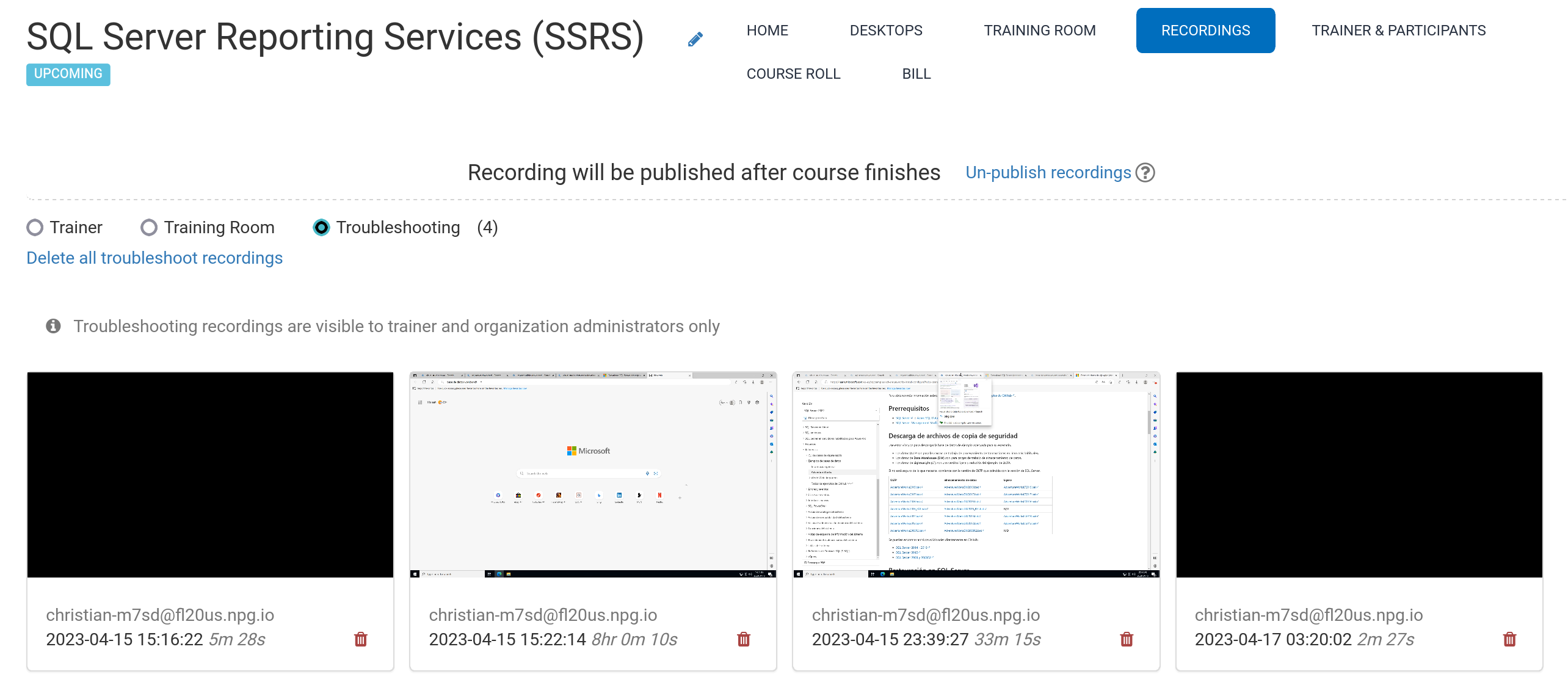
Automatic Course Recording (Trainer's Desktop)
Session recordings for the Trainer's Desktop, as well as the Training Room (when utilized during the session), are generated automatically throughout the course.
To end a session, simply press the red button again.
Instructors have the option to delete recordings as needed. Additionally, troubleshooting logs are captured automatically while preparing the course; these are exclusively intended for diagnosing configuration issues when necessary.
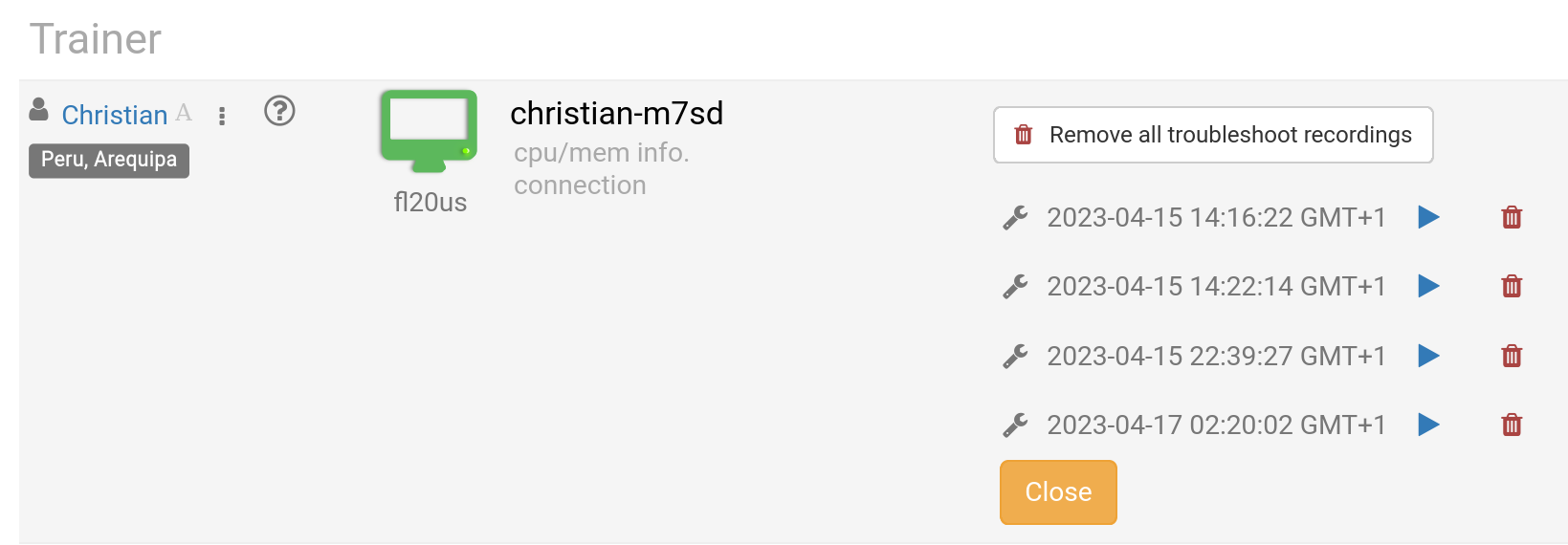
You can access your stored files in the Recording section. These are categorized into three distinct types:
- Trainer
- Training Room
- Troubleshooting
Please note that only Trainer and Training Room recordings are eligible for external distribution.