Training Room Recording (Trainer's Desktop)
As a Trainer, you have the ability to capture sessions within the Training Room, including the desktops of all participants. This functionality is particularly valuable for reviewing course material or revisiting challenges encountered by students, thereby facilitating troubleshooting efforts for both your personal notes and development team support.
Training Room View:
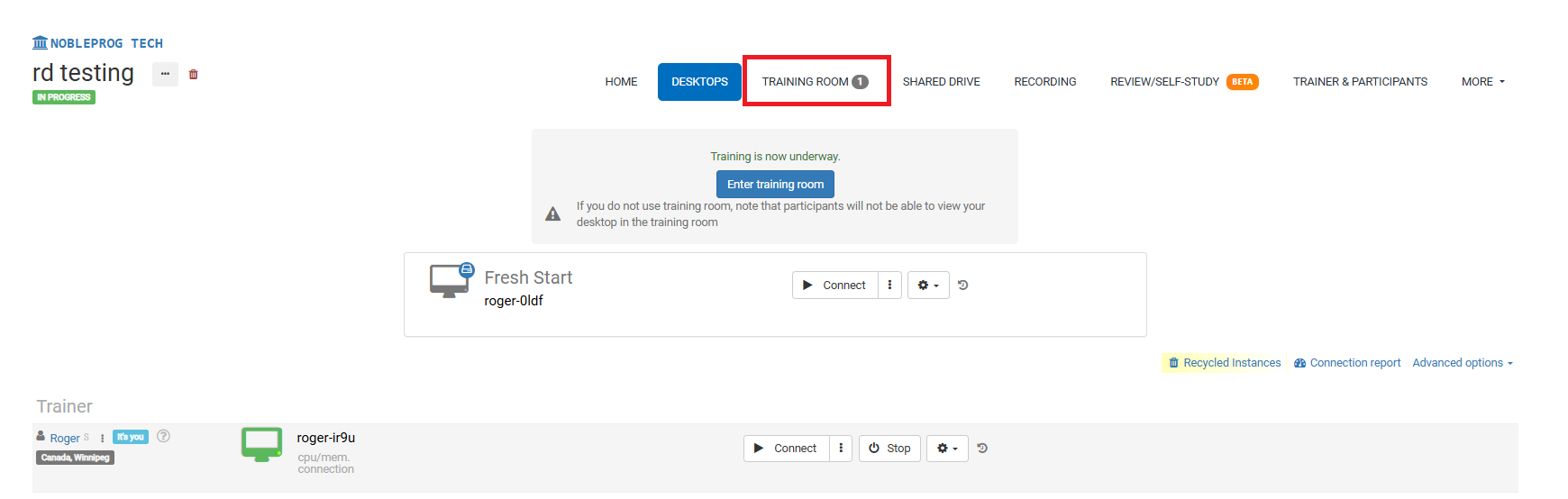
Recording Button
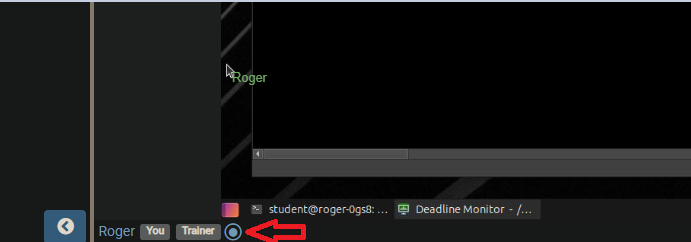
Once you enter the Training Room, locate the recording button positioned at the bottom of the screen, adjacent to your name and associated user tags, as illustrated in the screenshot below.
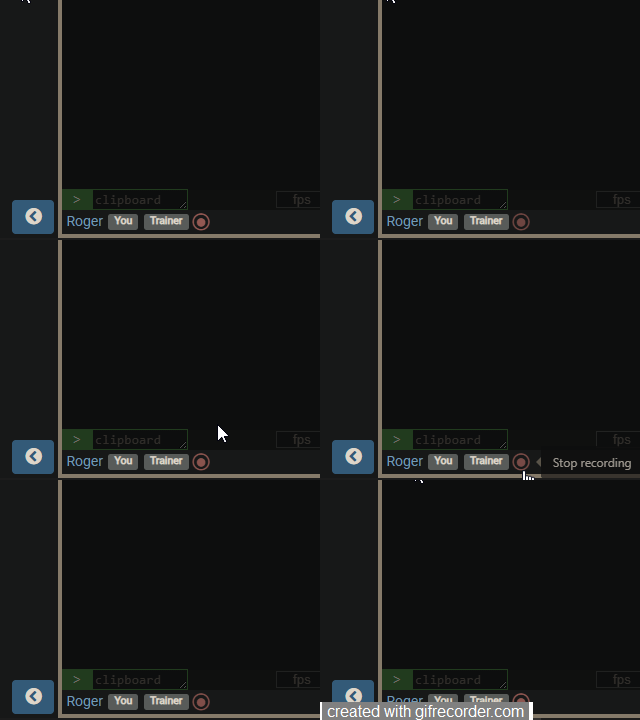
When you activate the button, the recording begins, and the icon will start blinking red slowly. To end the session, simply click the button once more.
Accessing Recordings
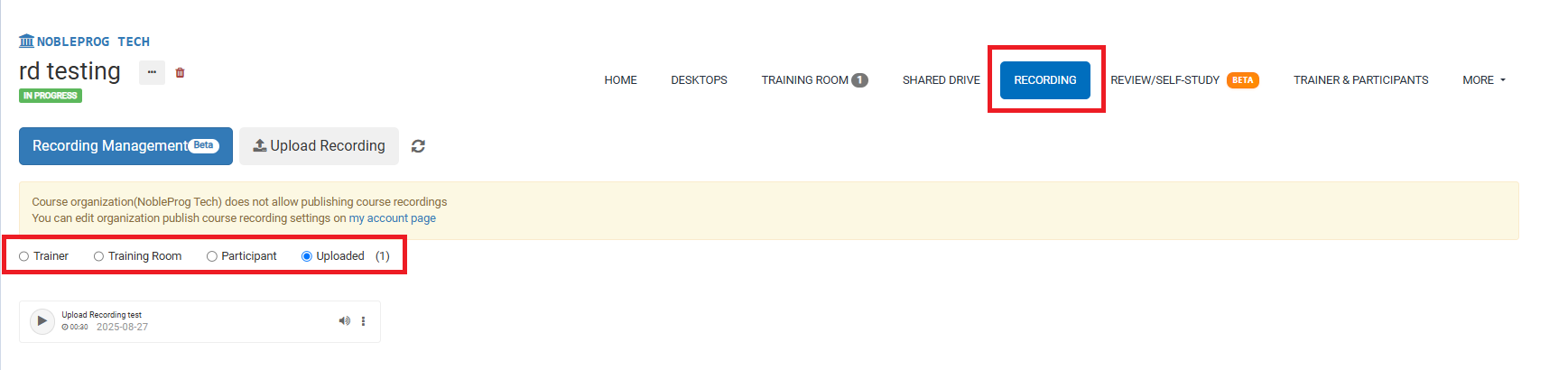
To review your past sessions, navigate to the course page and click on the `Recordings` tab. From there, you can select the specific type of recording you wish to view.