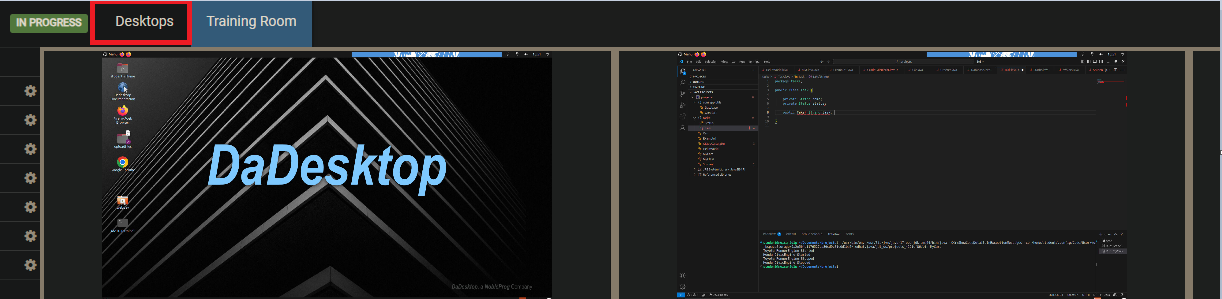
Training Room Interface
The Training Room serves as an efficient environment for course enrollment. It empowers users to:
- Manage their Virtual Desktops (Trainers also possess the capability to oversee Participant Desktops)
- Display the Trainer Desktop in either Grid or Side by Side layouts
- Capture recordings of their Desktop activity
- Detach the Desktop into a separate browser window or extend it to a secondary monitor if desired
- Engage in live Chat
- Access Training Materials
These features operate entirely within a browser interface. By default, new participants are directed straight into the Training Room upon course entry, streamlining the onboarding experience. Trainers benefit from enhanced oversight, allowing them to monitor all participant machines simultaneously. They can also interact with specific desktops to provide immediate assistance to those requiring support or struggling to keep pace with the session. This comprehensive visibility is unique and significantly aids Trainers in replicating the dynamics of a traditional physical classroom.
Training Room Interface (Trainer Perspective)
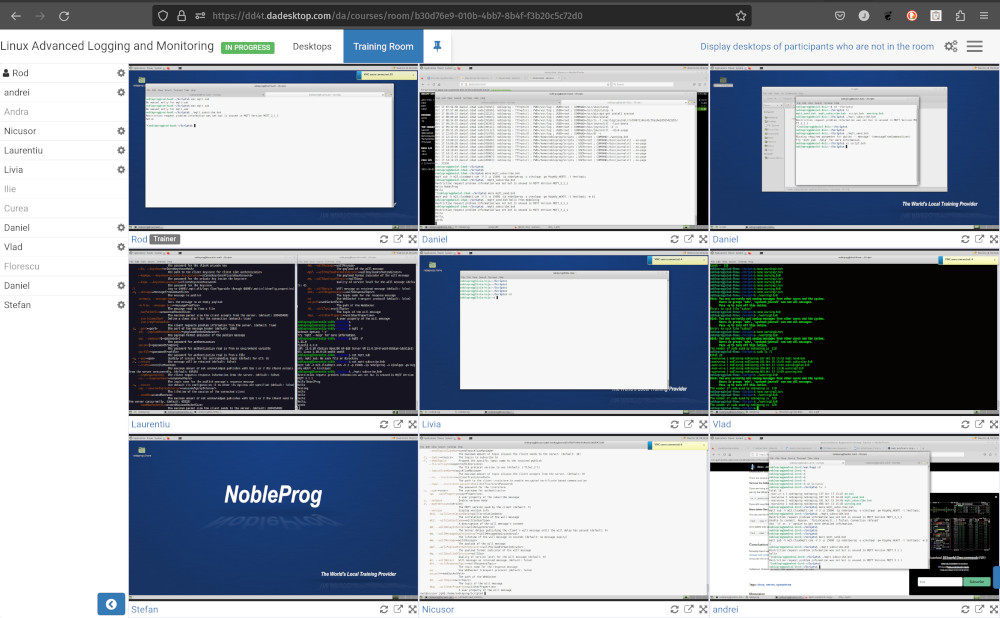
Training Room view featuring 16 participants (Exclusive to Trainers)
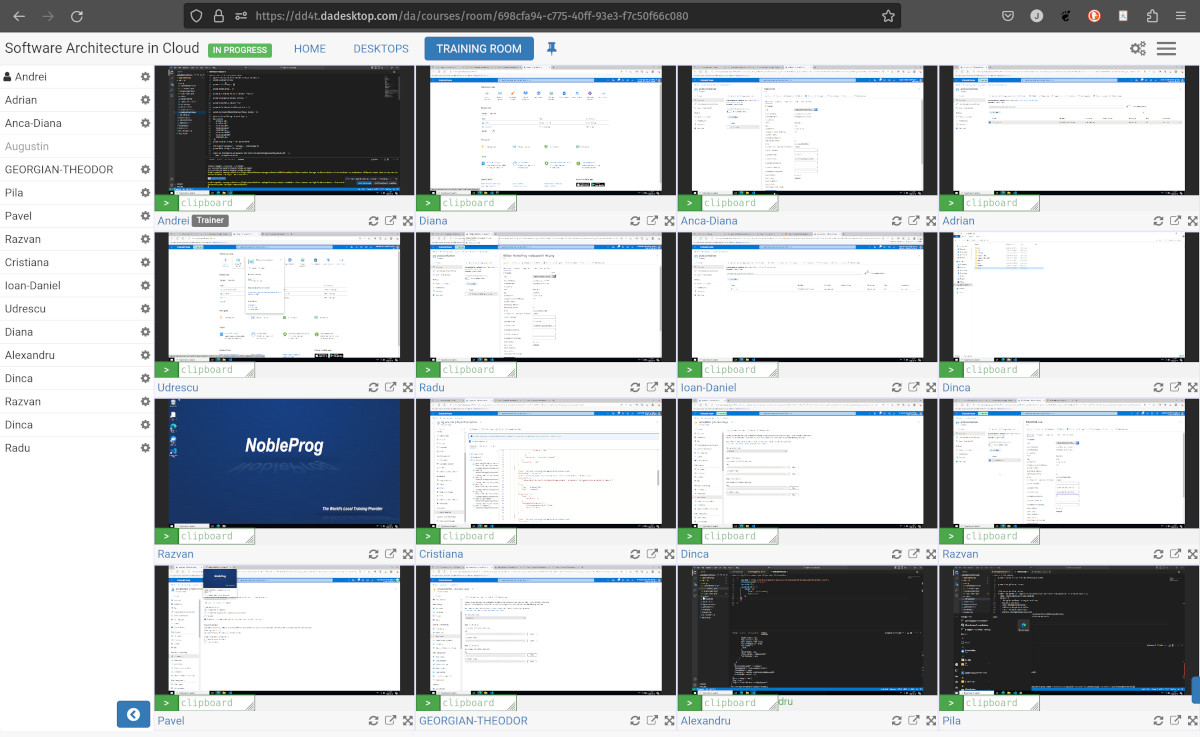
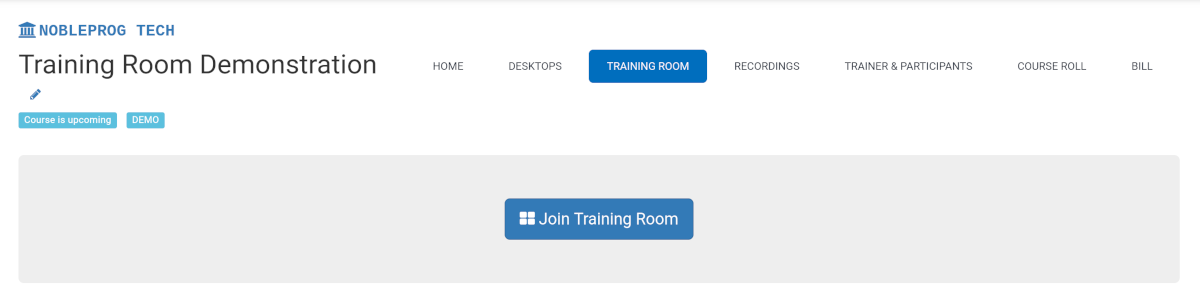
Accessing the Training Room
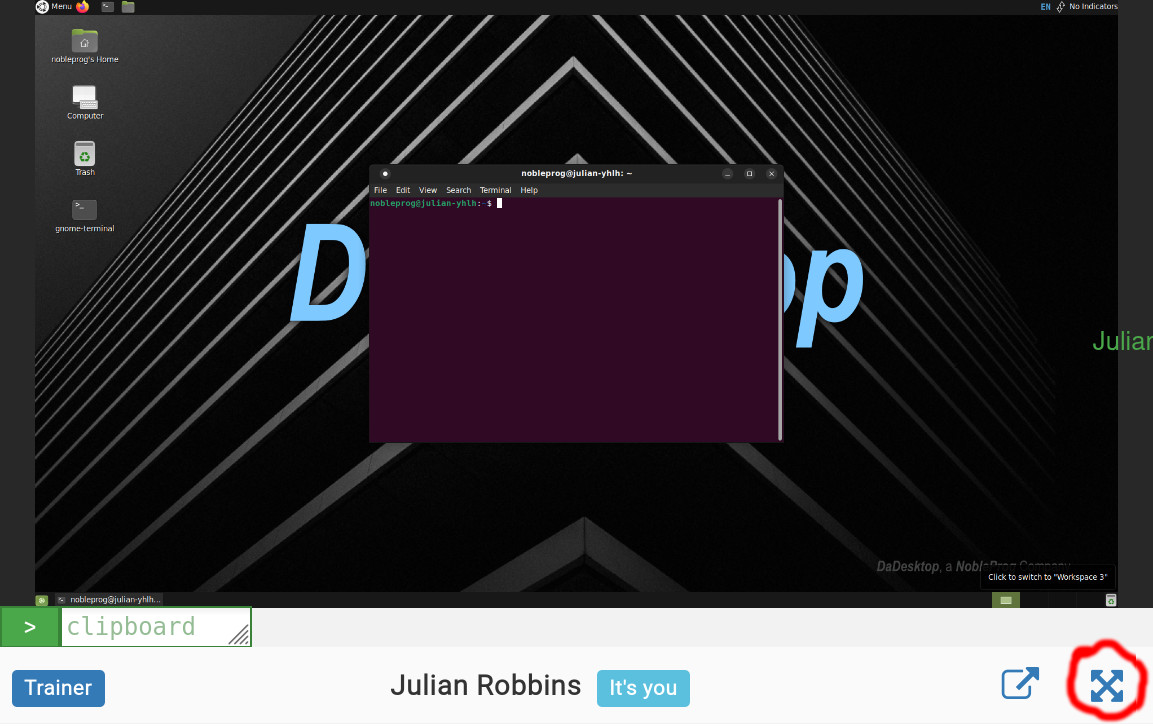
Maximizing the Window
Leaving the Training Room View
To exit the Training Room interface, select the `Desktop` tab again. This action will redirect you to the main Training page.