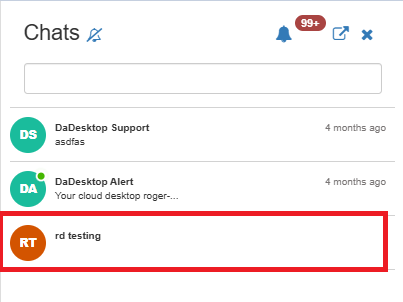
Course Chat
Course Chat is a dedicated feature designed to facilitate communication among trainers, participants, and support members regarding the active course session. It serves as an integral component of the training room environment.
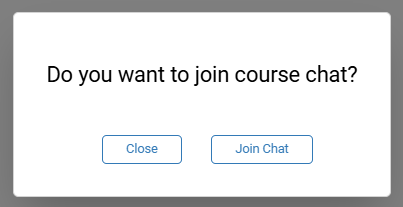
To join the course chat, simply enter the training room. Upon entry, you will be prompted to join the conversation immediately.
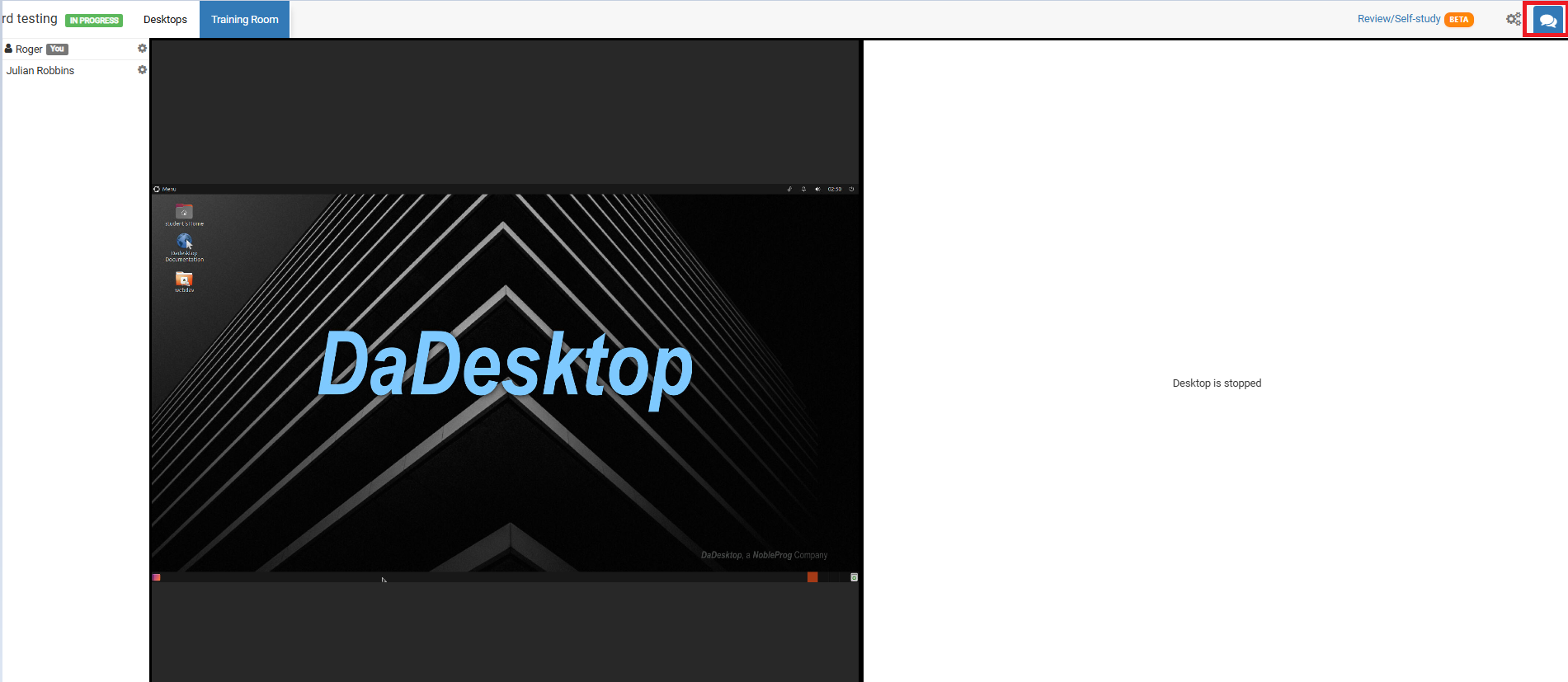
For access at any other time, just select the chat icon located in the top-right corner of the training room.
Clicking the icon opens the chat interface on the left-hand side, where your current course is listed. You can enable notifications (found at the top of the chat interface) to receive an audible alert whenever a new entry is posted to the course chat.