Automated Session Recording
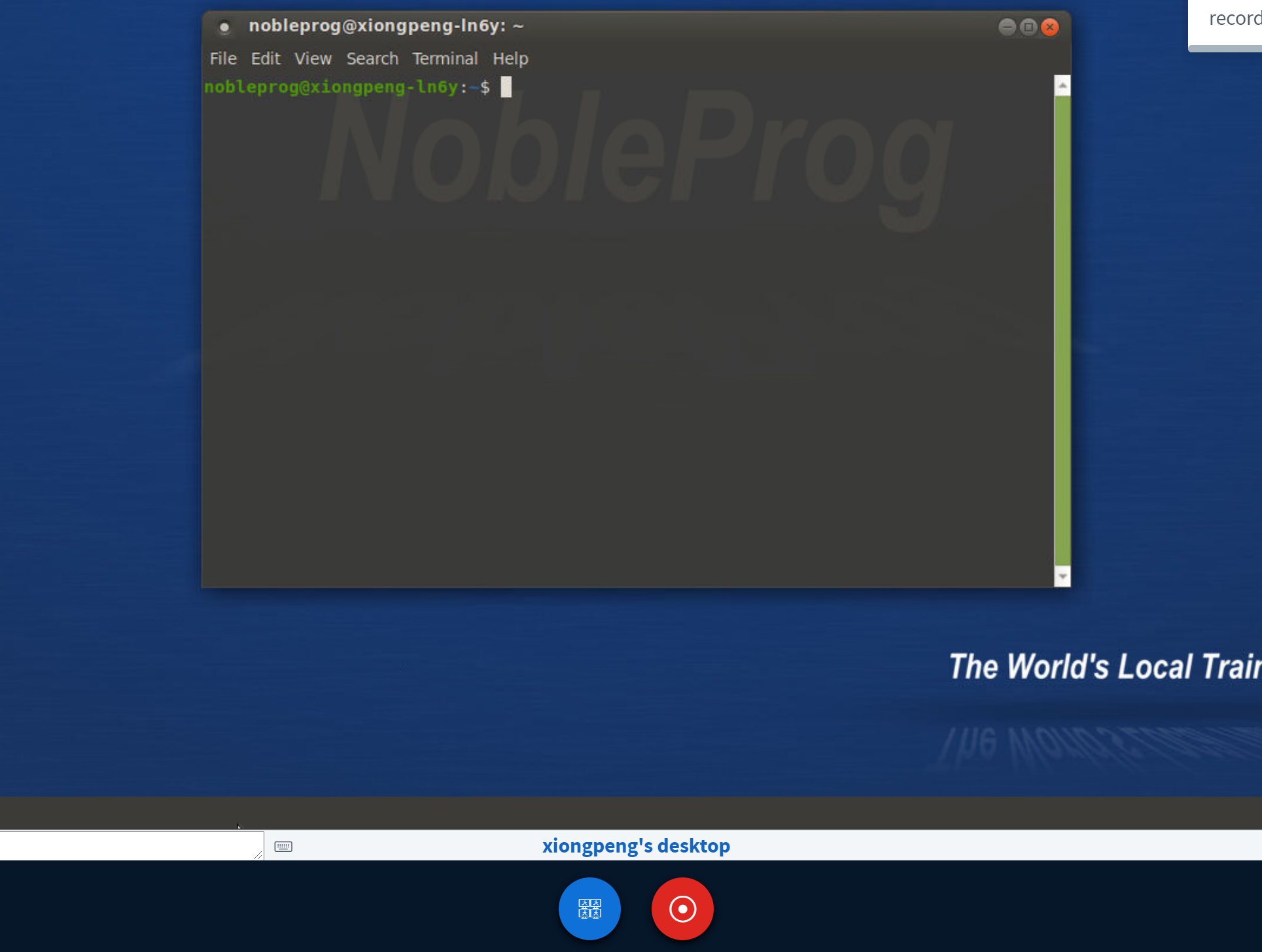
When you enter the training room, the system automatically initiates a session recording of the Trainer's desktop. To end the recording, simply press the red "record" button again.
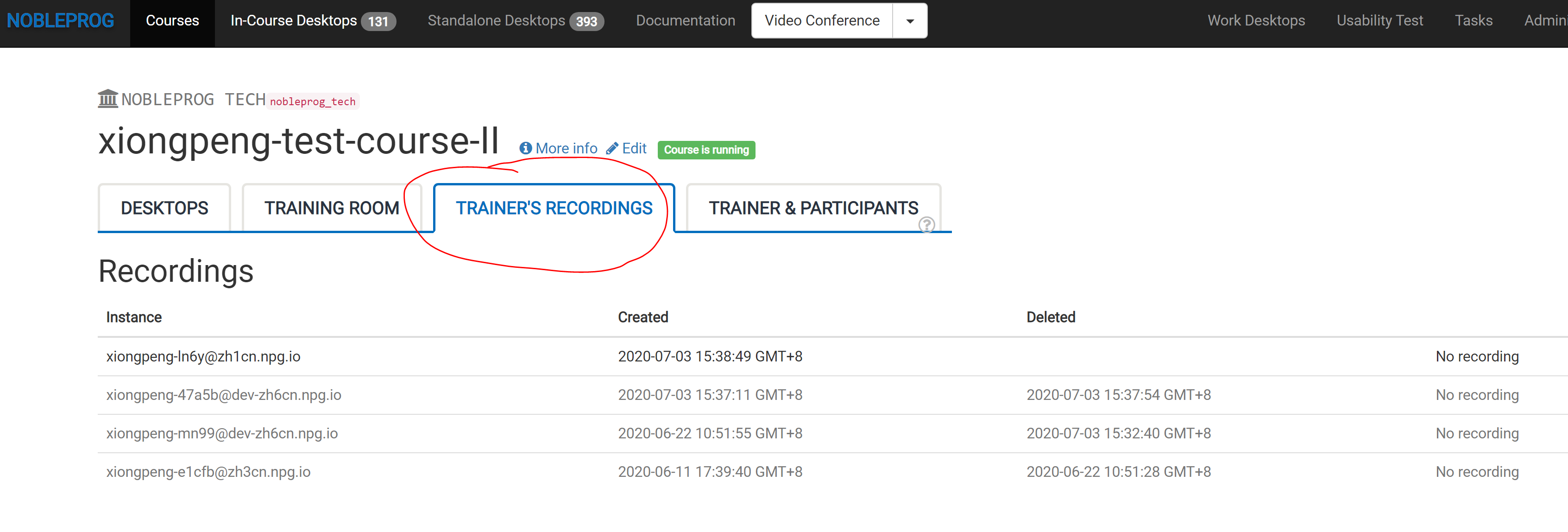
You can access your captured sessions via the "Trainer's Recordings" section within your course.
Review the automated session recording of the Trainer's desktop.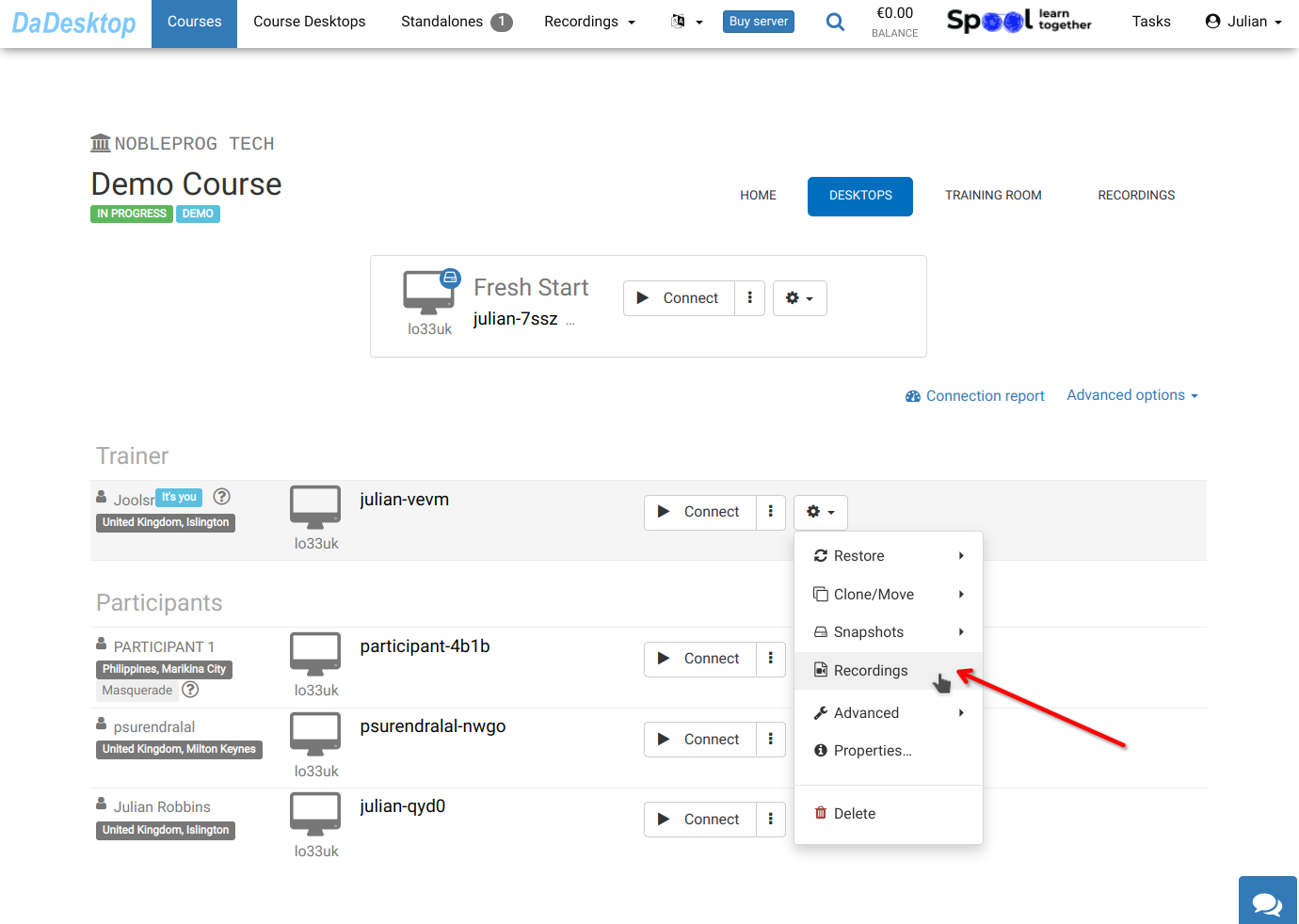
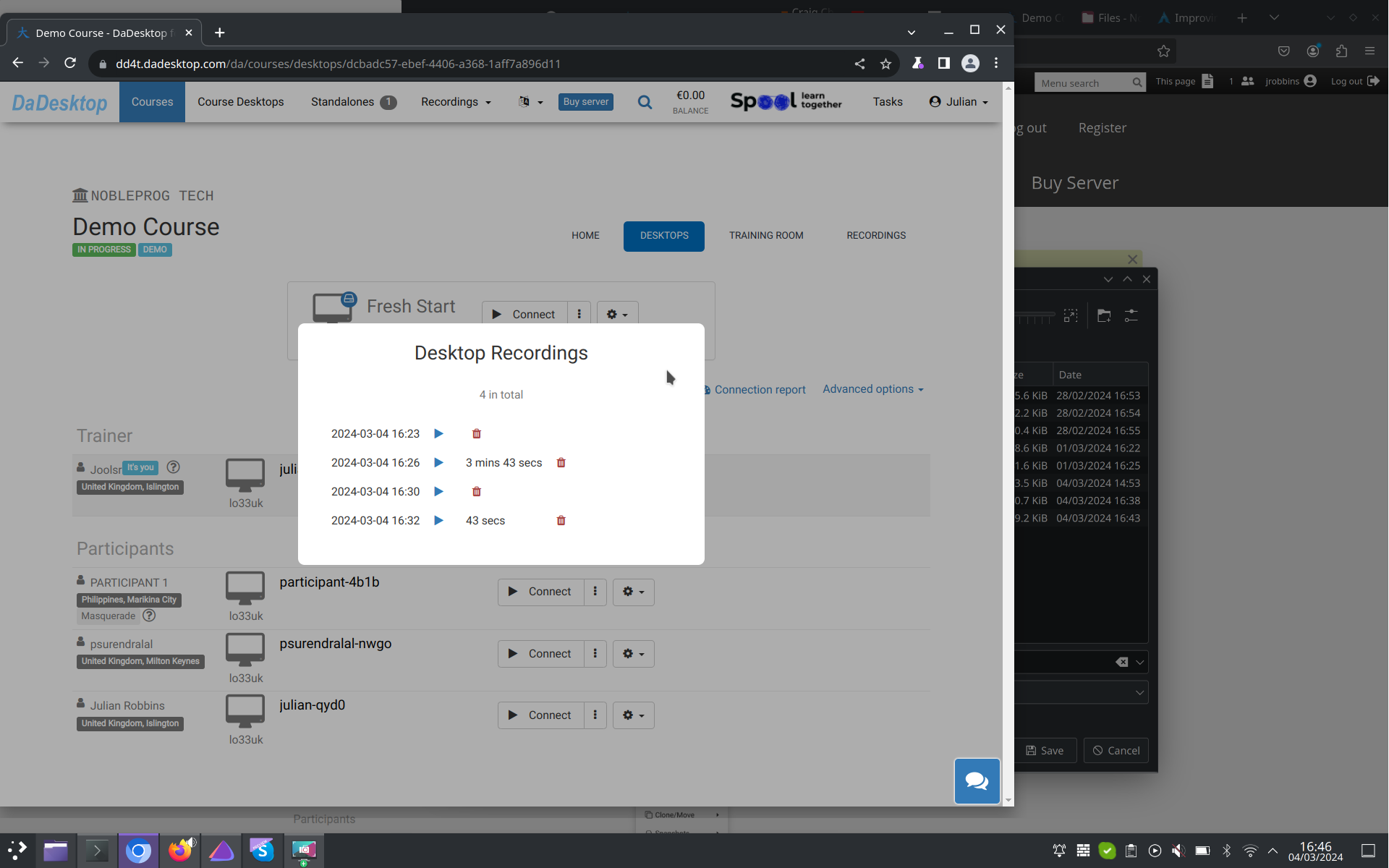
Access your files in the "Recordings" area. As needed, you may review or delete specific recordings.