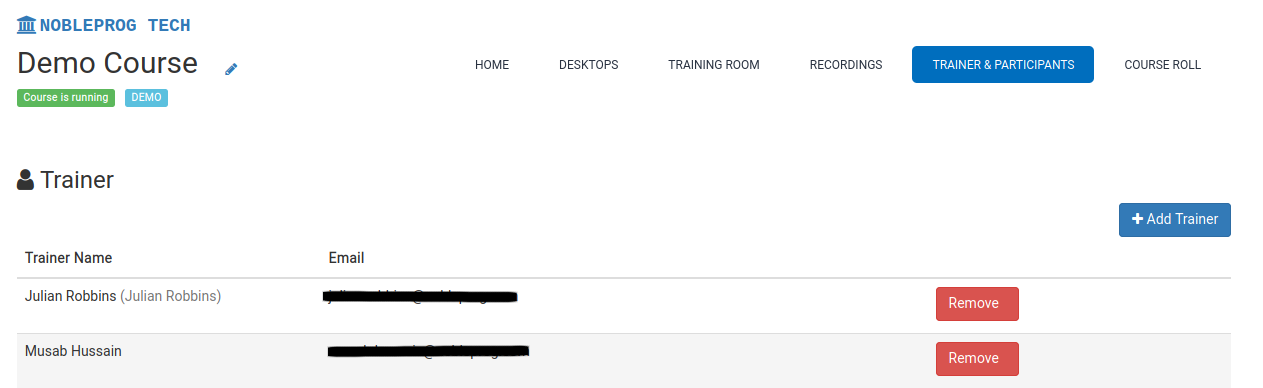
Onboarding Trainers
DaDesktop empowers organizations to onboard one or multiple Trainers for their Online courses.
There are several distinct methods available for associating trainers with a specific course:
- Inviting external trainers directly via email
- Assigning existing users from within your organization
- Assigning any user as a trainer (this option is restricted to Super Administrators)
To proceed with assigning a trainer, follow these steps:
- Open the desired course
- Navigate to the Trainer & Participants tab